









Λογαριασμός Επικοινωνία
Το καλάθι σας
Αποστολή με DPD & FedEx
Βοήθεια; Ρωτήστε το AI

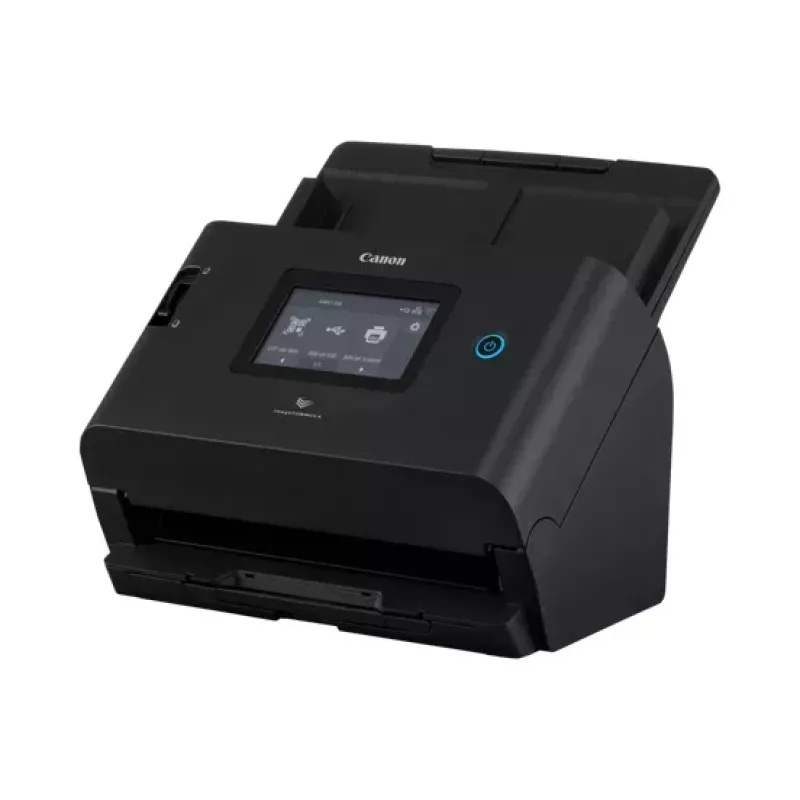
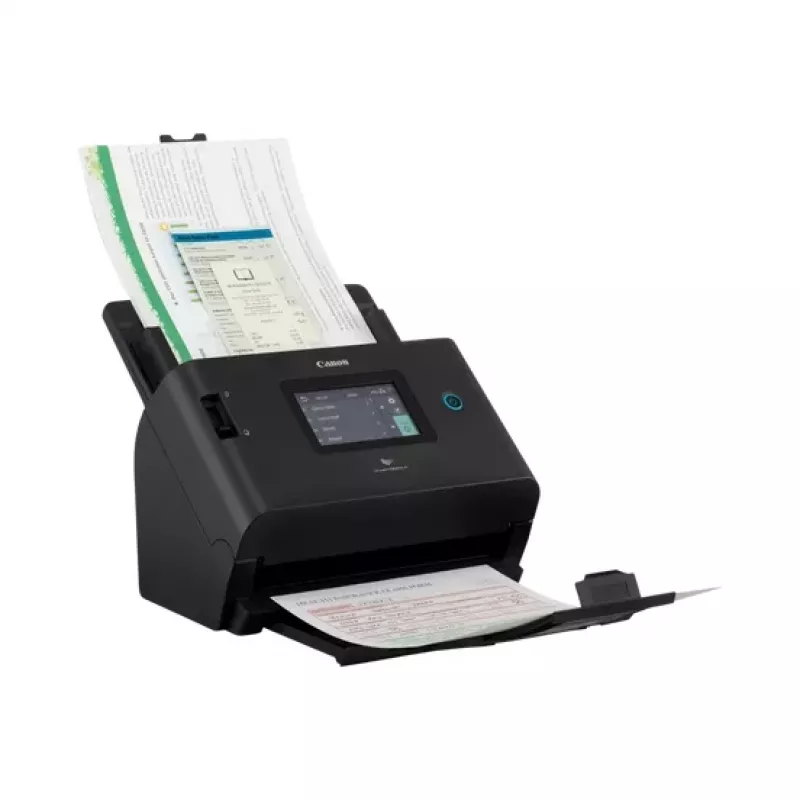
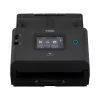
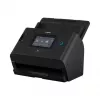
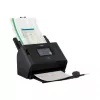
Σαρωτής ADF Canon DR-S350NW 600 x 600 DPI A4 Μαύρο

Σαρωτής ADF Canon DR-S350NW 600 x 600 DPI A4 Μαύρο
678,96 €
Canon imageFORMULA DR-S350NWSimplify scanning with large colour touch screen operation and flexible connectivity options including driverless and PC-less operation.A powerful tool for hybrid workingSupport hybrid working with a powerful and easy-to-use scanner. Connect easily to other devices and en... Περισσότερα
Απόθεμα 11 Κωδικός 879850 Μάρκα Canon Μοντέλο 6897C003 Εγγύηση 2 χρόνια

Αποστολή & επιστροφές

Εκτιμώμενη παράδοση Τρίτη, Νοεμβρίου 3
Θα ενημερώνεστε μέσω του αναλυτικού μας συστήματος παρακολούθησης
Τρόποι πληρωμής
Τραπεζική κάρταVisaMastercardPayPalApple PayGoogle PayΤραπεζική κατάθεση
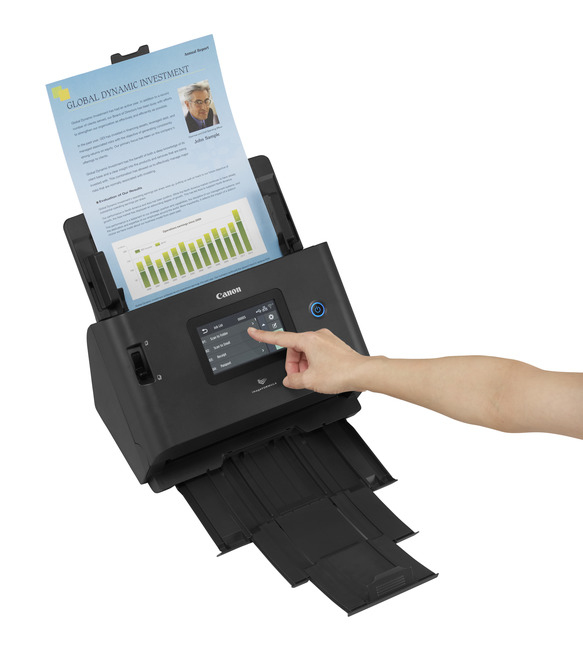
Canon imageFORMULA DR-S350NW

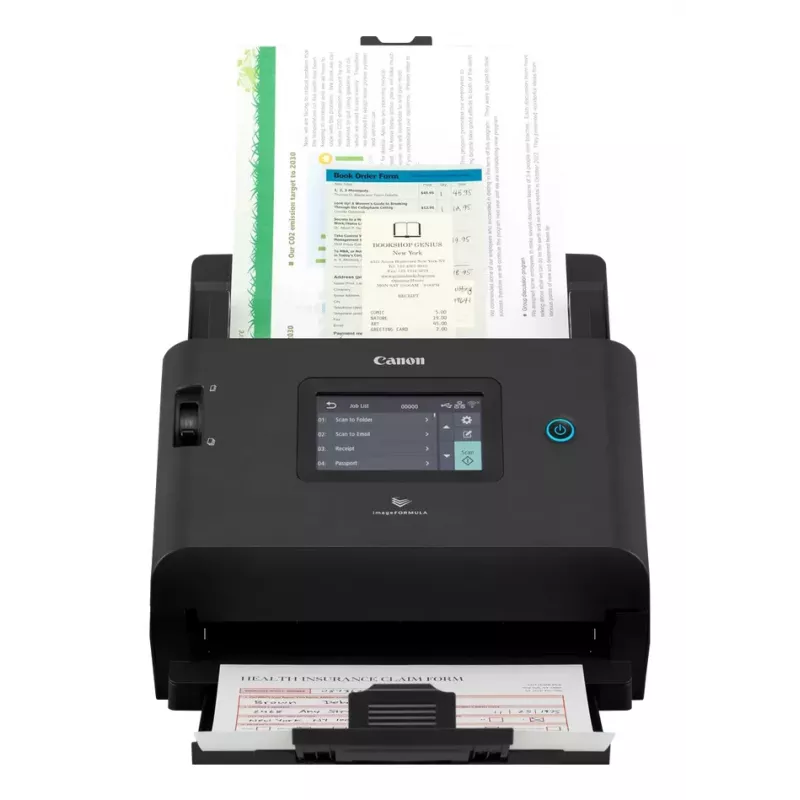
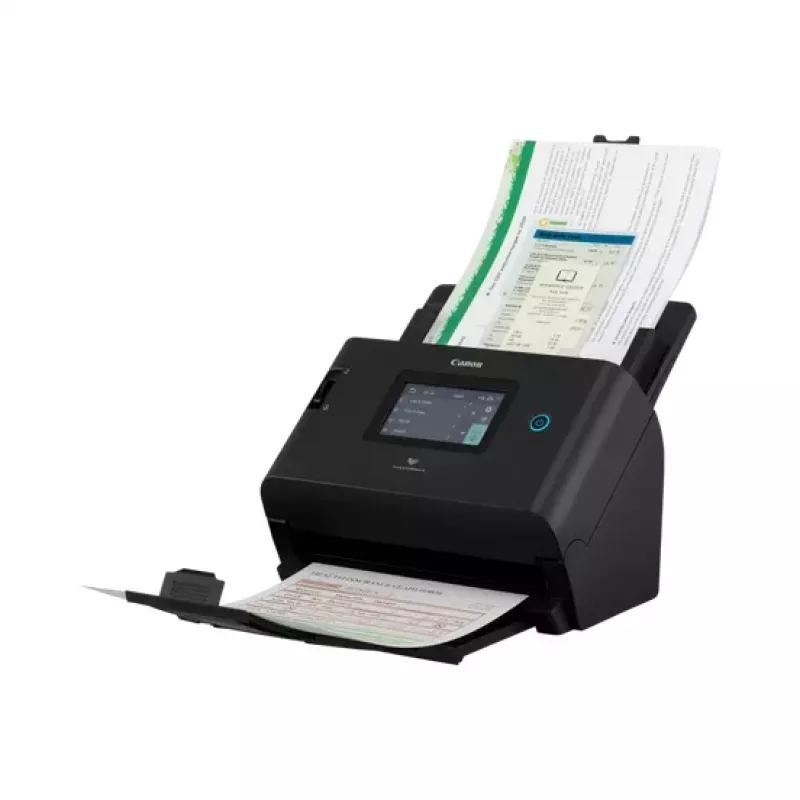
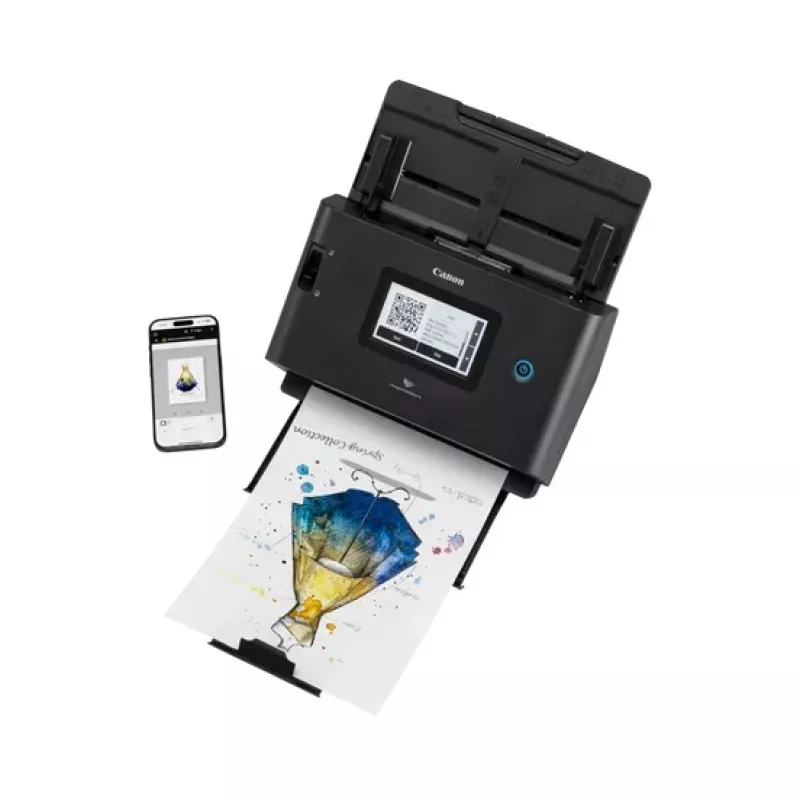
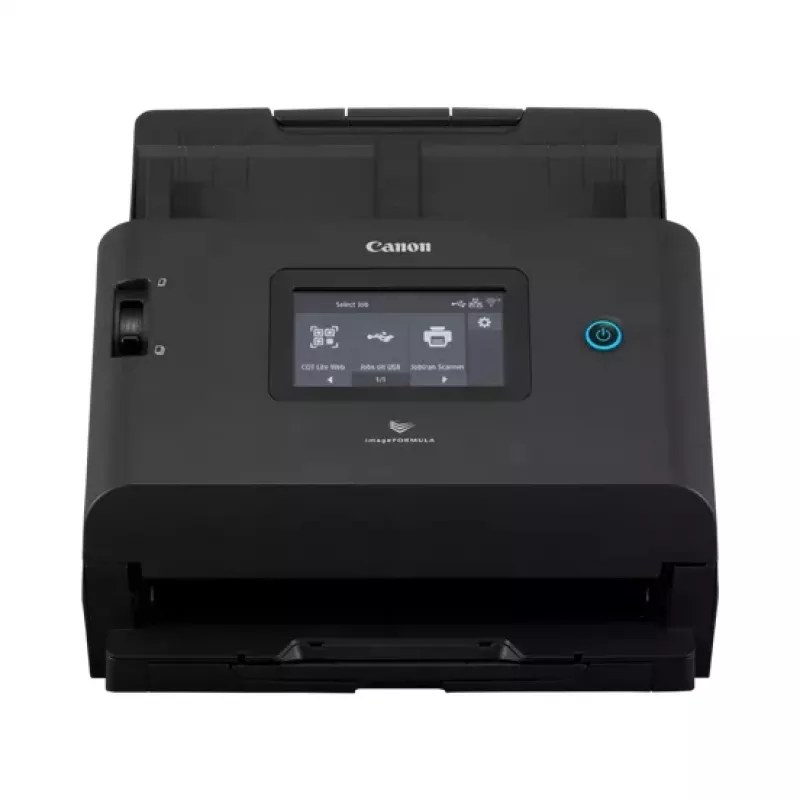
Simplify scanning with large colour touch screen operation and flexible connectivity options including driverless and PC-less operation.

A powerful tool for hybrid working

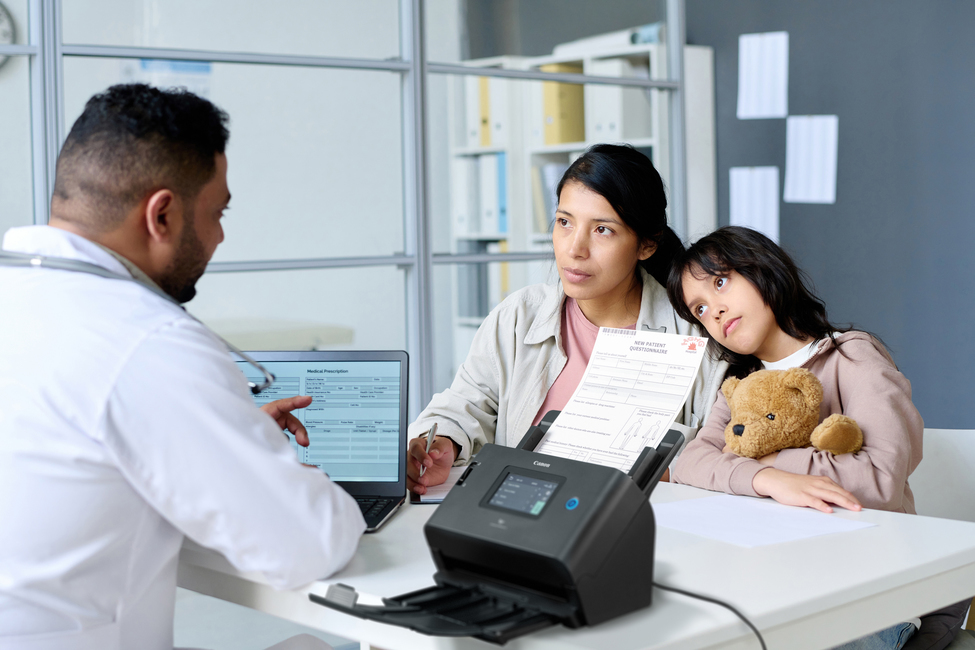
Support hybrid working with a powerful and easy-to-use scanner. Connect easily to other devices and enhance efficiency across various working environments while benefiting from 100ipm scan speed.
Easy to use

Easy to use

Hassle-free scanning with web browser and direct job scan using the embedded Canon web application and convenience of driverless scanning, saving you time and effort and without need to connect to a computer

Enhance quality and productivity

Boost efficiency with scanning speeds of up to 100 images per minute and produce high quality output with automatic image processing features. Create/save editable and searchable documents and improve readability with the color enhancement function.
Enhance quality and productivity
Scan to multiple destinations

Scan to multiple destinations

Easily send documents to predefined locations with the large colour LCD touch panel. Send data directly to share folder/ email/ FTP/ FTPS/SFTPS/ Printer without needing any additional PC or software or use the scan-to-mail function to send scanned data directly to TEAMS or Slack.

Experience greater flexibility

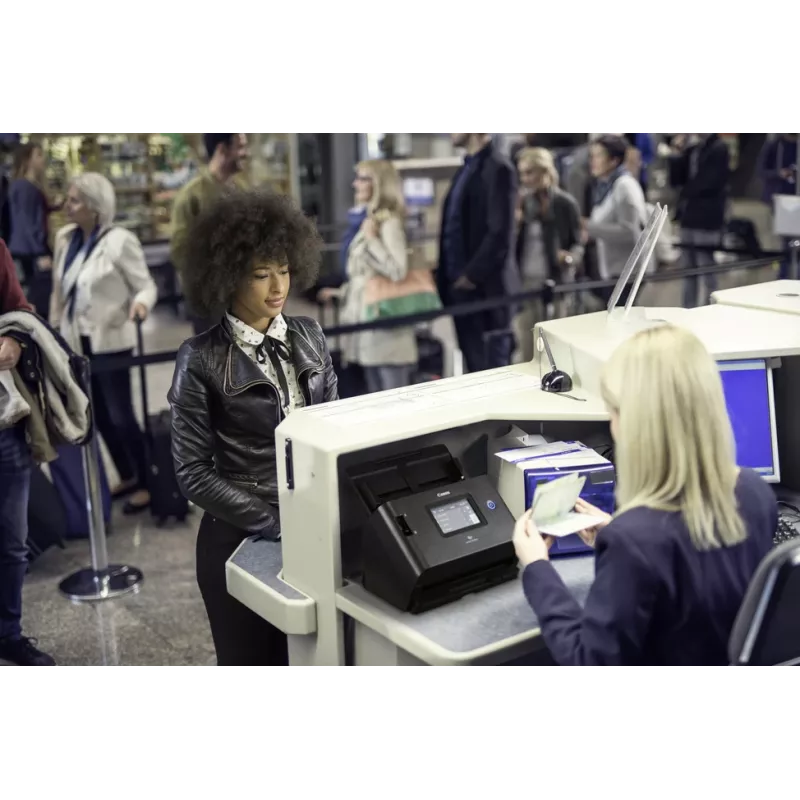
Whether you’re working remotely or from the office, the imageFORMULA DR-S350NW supports various scanning methods. Connect via USB, LAN or WiFi and scan from different types of devices including PC, Chromebook and smart devices. Also supports Mopria® Scan for use with Android and Chrome devices. Logon authentication and using NFC card (not included) can also be supported. Ideal for easy deployment, and versatile use.
Experience greater flexibility
Versatile and reliable paper handling

Versatile and reliable paper handling

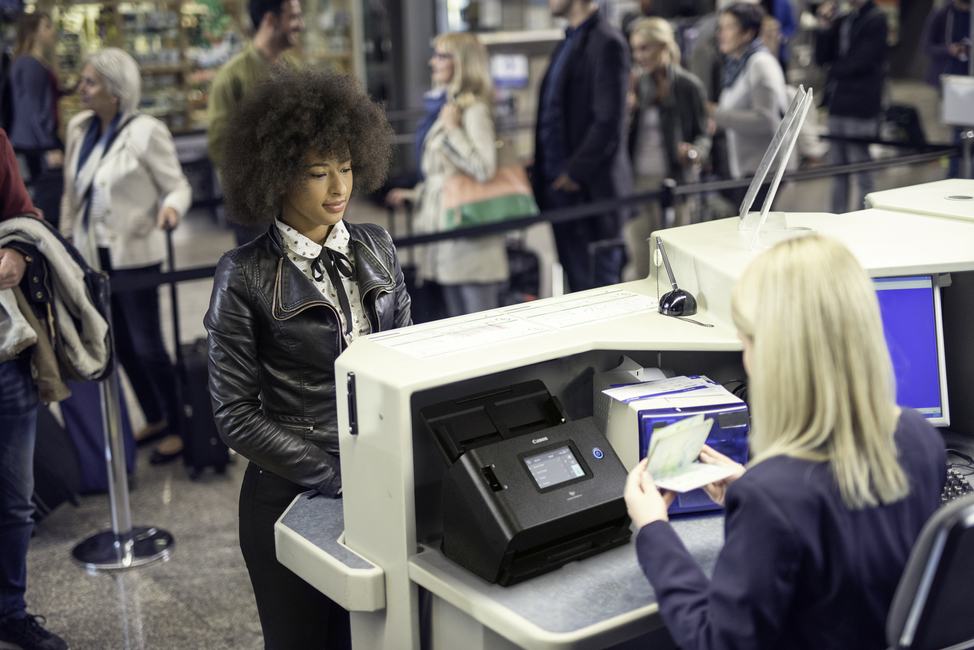
Scan various types of documents reliably, including A4 documents, receipts, business cards, ID plastic cards, up to 5,588mm long documents, and passports. Confidently meet scanning demands with a suggested daily volume of up to 9,000 scans/day.

Enhanced security

Prevent unauthorised access to the scanner or use of selected features with a range of authentication methods and restriction controls. Disable different connections like Wi-Fi if required, and support WPA3 and networks needing 802.1X.
Enhanced security
Improve sustainability

Improve sustainability

Support the environment by using this highly durable, EPEAT Gold certified device with low power consumption. It’s packed with reusable materials and built with a high level of recycled plastics.

How to use

Place documents in the automatic document feeder and choose the destination from the built‑in touch panel or access the scanner via a browser using the embedded Canon web application. Select scan settings such as resolution, color mode and output format, then start the scan. For networked use, connect the scanner to USB, LAN or Wi‑Fi; driverless operations and direct sending to shared folder, email, FTP/FTPS/SFTPS or network printer are supported without a PC. For Chrome OS, use Morpria‑certified workflows without installing additional drivers.

Recommendations

For reliable daily operation, keep the ADF clean and use the suggested daily volume guideline (up to 9,000 scans/day). Use the automatic image processing features for improved readability and enable available authentication or network restrictions to secure access. When deploying across multiple users, consider NFC authentication and configure predefined destinations on the touch panel for faster, PC‑less scanning.

Κύρια σημεία
  • Office environments with hybrid or remote workflows
  • Teams that require high-volume, duplex scanning (up to 9,000 scans/day)
  • Workplaces needing driverless or PC-less scan-to-folder/email/FTP workflows
  • Chromebook or Chrome OS deployments requiring Morpria certification
  • Model: Canon imageFORMULA DR-S350NW (MPN 6897C003)
  • Optical resolution: 600 x 600 dpi
  • Scan speed: up to 50 ppm simplex / 100 ipm duplex
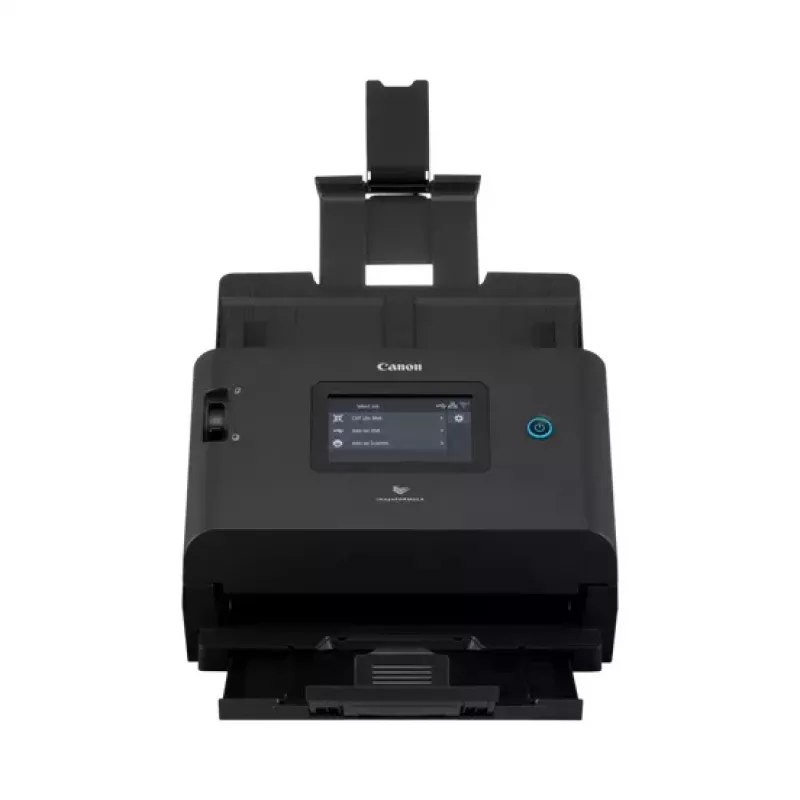
  • ADF capacity: 60 sheets
  • Daily duty cycle: up to 9,000 scans/day
  • Connectivity: USB, LAN, Wi‑Fi; driverless and PC‑less operation
  • Built‑in display: large colour touch LCD
  • Supported document types: A4, receipts, business cards, ID cards, passports, long documents up to 5,588 mm
  • Product colour: Black; Weight: 3.4 kg
Χαρακτηριστικά
Ethernet LAN
Yes
Wi-Fi
Yes
Αμφίπλευρη σάρωση
Yes
Ανάλυση οπτικής σάρωσης
600 x 600 DPI
Βάθος
267 mm
Βάρος
3.4 kg
Διαγώνιος οθόνης
10.9 cm (4.3")
Έκδοση USB
2.0
Ενσωματωμένη οθόνη
Yes
Ημερήσιος κύκλος εργασιών (μέγ.)
9000 pages
Θερμοκρασία λειτουργίας (T-T)
10 - 32.5 °C
Θύρα USB
Yes
Κατανάλωση ισχύος (απενεργοποιημένο)
0.3 W
Κατανάλωση ισχύος (λειτουργία ύπνου)
2 W
Λειτουργία μακριού χαρτιού
Yes
Λειτουργία ύπνου
Yes
Μέγιστο μέγεθος χαρτιού σειράς ISO A
A4
Μέγιστο μήκος σάρωσης
35.6 cm
Μέγιστο πλάτος σάρωσης
21.6 cm
Οθόνη
LCD
Πάχος κάρτας (μέγ.)
0.3 mm
Πάχος μέσου (ελάχ.)
0.04 mm
Πιστοποιητικά βιωσιμότητας
EPEAT
Πλάτος
291 mm
Πρότυπα Wi-Fi
802.11a, 802.11b, 802.11g, Wi-Fi 4 (802.11n), Wi-Fi 5 (802.11ac)
Σάρωση σε
FTP
Συχνότητα εισόδου AC
50 - 60 Hz
Σχετική υγρασία λειτουργίας (H-H)
20 - 80%
Τάση εισόδου
220 - 240 V
Ταχύτητα σάρωσης ADF (ασπρόμαυρη, A4)
50 ppm
Ταχύτητα σάρωσης ADF διπλής όψης (ασπρόμαυρη, A4)
100 ipm
Τύπος αισθητήρα
CIS
Τύπος σαρωτή
ADF scanner
Τύπος τροφοδοτικού
AC
Τύπος υποδοχής USB
USB Type-A
Ύψος
242 mm
Χρώμα προϊόντος
Black
Χωρητικότητα εισόδου αυτόματου τροφοδότη εγγράφων (ADF)
60 sheets
Ιστορικό τιμών τους τελευταίους 6 μήνες
Σαρωτής ADF Canon DR-S350NW 600 x 600 DPI A4 Μαύρο
Τρέχουσα
678,96 €
Χαμηλότερη
614,14 €
Υψηλότερη
779,02 €
Μεταβολή 24 ωρών
+13,09 €   +2%
Εβδομάδα
+28,74 €   +4%
Μήνας
-7,15 €   -1%

Δημοφιλή προϊόντα σε αυτή την κατηγορία

Πωλητής: UAB KUR LT · Laisvės pr. 125A, LT-06118 Βίλνιους, Λιθουανία · Κωδικός εταιρείας 303192950 · ΑΦΜ/ΦΠΑ ΕΕ LT100008198612 · Αποστολή από την ΕΕ (Λιθουανία)
Γεια σας, είμαι ο βοηθός AI του DistriNode. Μπορώ να σας βοηθήσω να βρείτε προϊόντα, να συγκρίνετε επιλογές, να δημιουργήσετε PDF προσφορών ή να ανοίξετε αιτήματα υποστήριξης.